Slide 1: NICI Command Station
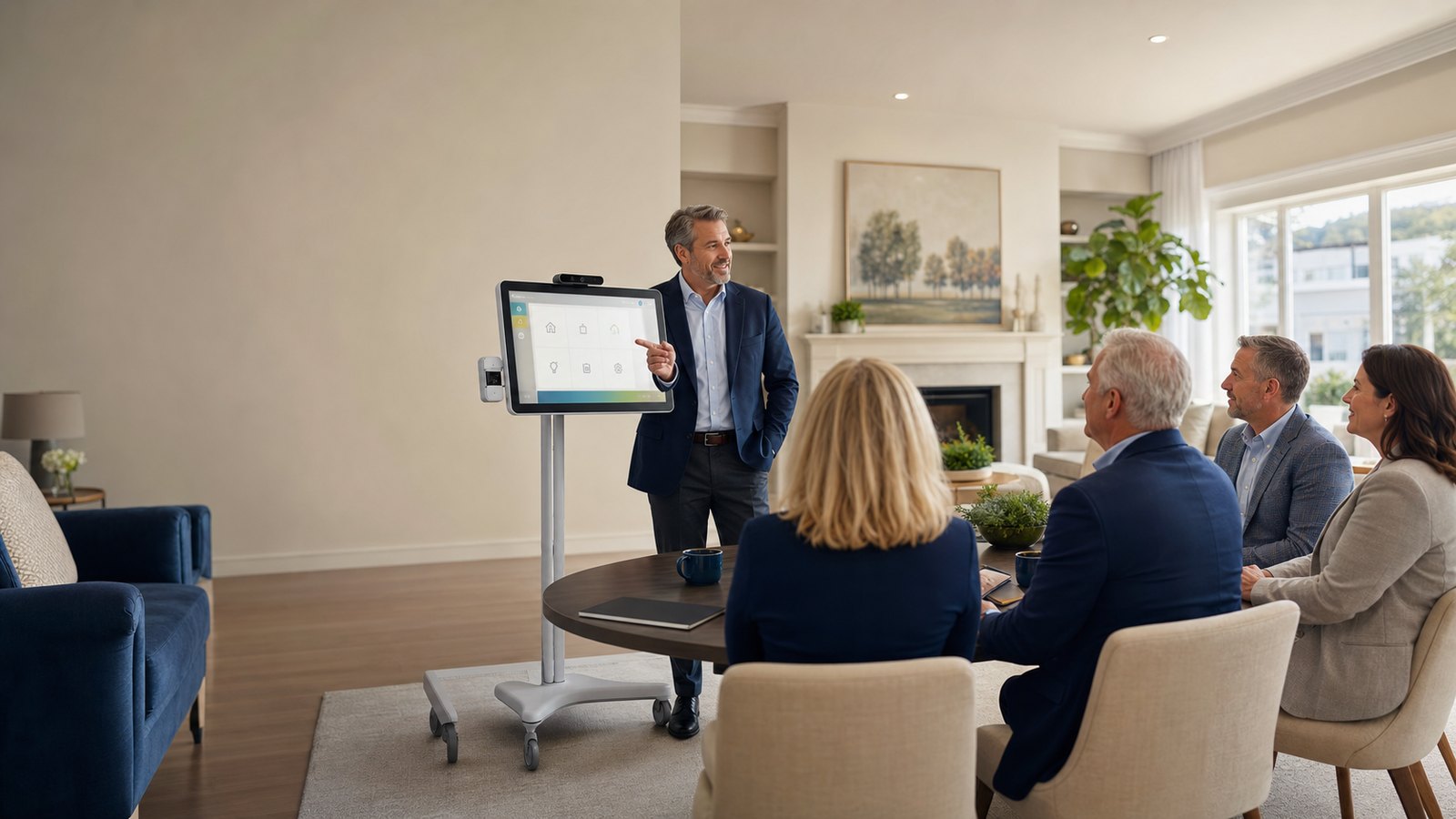
A touchscreen command station for assisted living daily operations, records, and review-ready reporting.
- Owner-to-owner conversation style
- Live demo friendly
- Presented by Brian and Linda Hawk
Slide 2: Owner-To-Owner, Not Hype-To-Owner
Care-home owners need a calm, credible explanation of how NICI makes daily records easier to create, review, and show.
- Warm opening
- Real facility language
- Short guided demo
- Clear next step
Slide 3: The Work Gets Done. The Proof Gets Scattered.
Facilities already document care activity, but records can become difficult to locate, organize, and present when pressure arrives.
- Care checks, vitals, and daily notes
- Incidents, infection, and emergency reports
- Visitor, outing, compliance, and safety logs
Slide 4: One Station For Daily Facility Operations
NICI organizes common assisted living workflows around a consistent touchscreen path for staff, admins, and owners.
- Start daily work
- Record the right activity
- Review what needs attention
- Report only after authorized review
- Hand off responsibility clearly
Slide 5: Simple Enough For Daily Use
The caregiver path is built around clear shift entry, account selection, PIN-based use, and turnover awareness.
- Verify branch and facility
- Begin the shift
- Enter PIN
- Acknowledge turnover notes
Slide 6: The Records Owners Care About
NICI brings daily operational records into a more consistent structure, helping teams reduce paper chasing and improve review rhythm.
- Resident care, vitals, MAR due items, and PRN workflows
- Requests, visitor logs, outing logs, and shift turnover
- Incidents, infection reports, emergency reports, and sensitive review items
Slide 7: Know What Needs Attention First
Authorized admins need an organized view of residents, recent activity, incidents, visits, outings, and care records.
- Active residents
- Recent incidents
- Visitors and outings
- Recent activity
Slide 8: Reports Should Be Reviewed Before Shared
NICI supports organized reporting workflows while keeping the responsibility for review, authorization, and use with the facility.
- Compliance dashboard and facility reports
- MAR, CareLink, and safety record workflows
- Drills, equipment checks, smoke alarms, water temperature, and refrigerator logs
- Downloads only when authorized
Slide 9: Every Shift Needs A Clean Handoff
Shift movement should make responsibility clear when someone steps away, resumes work, switches users, or hands over a station.
- Break mode
- Resume with PIN
- Switch user
- Return to kiosk dashboard
Slide 10: Protect The Record
The system story must stay grounded in access control, careful downloads, correction safeguards, and appropriate use of sensitive information.
- Authorized accounts only
- Branch and facility verification
- No PHI in unapproved demo or training spaces
- Read-only reviewer access where appropriate
- Preserve original records and timestamps during corrections
Slide 11: Show It In Seven Minutes
The strongest demo is focused, operational, and easy for owners to picture inside their own facility.
- Verify branch and facility context
- Start shift with the right user
- Open the resident workflow
- Record a representative event
- Review the owner or admin dashboard
- Generate an authorized report after review
Slide 12: From Scattered Work To Operational Clarity
NICI connects the day-to-day pain points owners recognize with structured workflows that support calmer management.
- Scattered daily records become one kiosk workflow
- Unclear handoffs become PIN-tied break, resume, switch, and handoff flows
- Inspection pressure becomes better-organized reporting preparation
- Sensitive record risk becomes role-based access and authorized downloads
- Visibility gaps become dashboard and activity review
Slide 13: Founding Homes Help Shape The Rollout
The next step is a fit conversation and guided review with CAOMS, especially for early operators in the launch markets.
- Local owner-to-owner support
- Hands-on walkthrough
- Operational fit review
- Priority Founder consideration where available
Slide 14: When Records Are Easier To Prove, Owners Breathe Easier
NICI helps care homes move from paper chasing toward organized daily operations, controlled access, and review-ready reporting.
- Brian Hawk
- 480-201-5742
- CAOMS Representative
 NICI™ Presentation